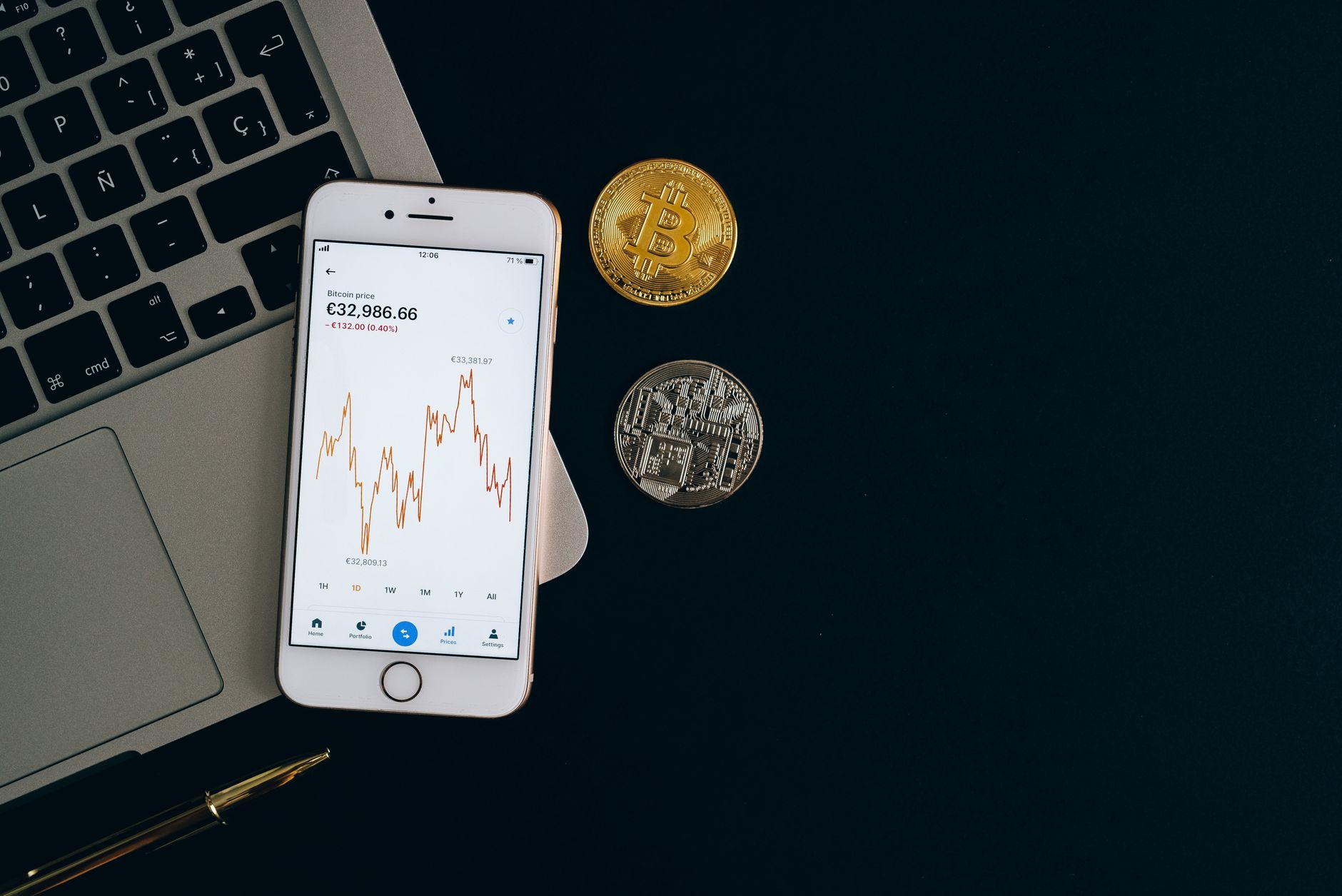
What Is a Crypto Wallet?
A crypto wallet is software that stores your private keys—the cryptographic secrets that prove you own your cryptocurrency. When you buy Bitcoin at $62,545 or Ethereum at $1,866, your wallet proves that you, and only you, can move those funds.
There are two fundamental wallet types:
- Custodial wallets store your private keys on their servers. Examples: Coinbase, Kraken, Cash App.
- Non-custodial wallets store your private keys on your device. You control them completely. Examples: MetaMask, Trust Wallet (when used in self-custody mode), Ledger.
Custodial wallets are easier—they feel like regular apps. Non-custodial wallets are more secure because no single company can freeze your account or lose your keys in a hack.
The Security vs. Ease Trade-Off Explained
This is the central tension in crypto wallets, and it's not a marketing slogan—it's real. Every wallet sits somewhere on a spectrum:
Maximum Ease (Custodial): Forgot your password? Click "Forgot Password." Your email recovery works. But if Coinbase is hacked, attackers can access your crypto. You're trusting their security infrastructure.
Maximum Security (Self-Custody): You write down a 12-word recovery phrase on paper. You memorize a PIN. Only you can move your funds. But if you lose that paper, your crypto is gone forever. No recovery email will help.
Most beginners should start custodial, not because it's "better," but because the learning curve is gentler. Move to self-custody once you understand private keys, recovery phrases, and seed backups.
Top 5 Easiest Wallets for Beginners
1. Coinbase Wallet (Mobile + Web)
Ease Score: 9.5/10
Coinbase is the gold standard for onboarding. The app walks you through account creation in under 3 minutes. You verify your email, set a password, and buy crypto directly with a linked bank account. No recovery phrase surprises.
Setup Time: 3-5 minutes
Supported Assets: Bitcoin, Ethereum, BNB, Solana, XRP, Cardano, Dogecoin, Polkadot, Litecoin, TRON, Chainlink, Avalanche, Uniswap, and 250+ altcoins
Fees: 1.49% buy/sell spreads; no withdrawal fees for crypto transfers
Mobile/Desktop: iOS, Android, Web
Custodial/Non-Custodial: Custodial (Coinbase holds private keys)
Recovery: Password + email recovery; no seed phrase
The catch: Coinbase is regulated in the US and requires identity verification (KYC). If you're outside the US, availability varies.
2. Trust Wallet (Mobile First)
Ease Score: 8/10
Trust Wallet feels non-custodial but acts simple. You download the app, create a wallet, and get a 12-word seed phrase. But the interface guides you through backup step-by-step with visual checkmarks, so you don't lose the paper.
Setup Time: 5-7 minutes (including backup)
Supported Assets: 1 million+ tokens across 80+ blockchains
Fees: No deposit/withdrawal fees; swap fees vary by DEX (0.25%-0.5% typical)
Mobile/Desktop: iOS, Android (Web browser extension available)
Custodial/Non-Custodial: Non-custodial (you control private keys)
Recovery: 12-word seed phrase required
Best for: Users who want decentralized control but don't want to think about it after setup.
3. Kraken (Web + Mobile)
Ease Score: 8.5/10
Kraken is a regulated exchange with wallet functionality. Unlike Coinbase, it doesn't hand-hold as much, but the interface is clean and the security is institutional-grade.
Setup Time: 5-10 minutes
Supported Assets: 300+ tradeable cryptocurrencies
Fees: 0%-0.26% taker fees (volume-dependent); free crypto deposits/withdrawals
Mobile/Desktop: iOS, Android, Web
Custodial/Non-Custodial: Custodial
Recovery: Password + optional 2FA; no seed phrase in the traditional sense
Best for: Users who plan to trade actively and want a wallet + exchange combo.
4. MetaMask (Mobile + Extension)
Ease Score: 7/10
MetaMask is the dominant non-custodial wallet. It started as a browser extension for Ethereum but now runs natively on mobile. Setup involves creating a recovery phrase, which scares beginners, but the walkthrough is clear.
Setup Time: 5-8 minutes
Supported Assets: All Ethereum tokens (ERC-20), plus assets on Polygon, Arbitrum, Optimism, and other EVM-compatible chains
Fees: No MetaMask fees; gas fees go to the network (Ethereum: $5-50 per transaction depending on congestion)
Mobile/Desktop: iOS, Android, Chrome/Firefox/Edge extension
Custodial/Non-Custodial: Non-custodial
Recovery: 12-word seed phrase (you must write it down)
Best for: Users comfortable writing down a recovery phrase and who interact with decentralized apps (DeFi protocols, NFT marketplaces).
5. Cash App (Mobile Only)
Ease Score: 9/10
Cash App is designed for non-crypto natives. You already use it for money transfers, so adding Bitcoin at $62,545 or Ethereum at $1,866 feels natural. Setup is one toggle in settings.
Setup Time: 2-3 minutes
Supported Assets: Bitcoin, Ethereum only
Fees: 1.5%-2% buy/sell spread; free Bitcoin withdrawal to external wallets
Mobile/Desktop: iOS, Android only
Custodial/Non-Custodial: Custodial
Recovery: Password + SMS recovery
Best for: Users who want to buy crypto as a side feature, not a primary wallet experience.
Feature Comparison Table
| Wallet | Setup Time | Type | Assets | Mobile | Desktop | Recovery Phrase | Buy Crypto | Ease Score |
|---|---|---|---|---|---|---|---|---|
| Coinbase | 3-5 min | Custodial | 250+ | Yes | Yes | No | Yes (1.49%) | 9.5/10 |
| Trust Wallet | 5-7 min | Non-custodial | 1M+ | Yes | Extension | Yes (12-word) | Limited | 8/10 |
| Kraken | 5-10 min | Custodial | 300+ | Yes | Yes | No | Yes (0%-0.26%) | 8.5/10 |
| MetaMask | 5-8 min | Non-custodial | 100k+ (Ethereum-based) | Yes | Extension | Yes (12-word) | No direct buy | 7/10 |
| Cash App | 2-3 min | Custodial | 2 (BTC, ETH) | Yes | No | No | Yes (1.5%-2%) | 9/10 |
Step-by-Step Setup Guide
How to Set Up Coinbase Wallet (Easiest for Total Beginners)
- Download the app: Visit your device's app store and search "Coinbase." Install the official app (check the developer is Coinbase Inc.)
- Tap "Create Account." You'll see a signup screen.
- Enter your email and create a strong password: Use at least 12 characters, mix uppercase, lowercase, numbers, and symbols. Example: "CryptoTrader2026!Secure"
- Verify your email: Coinbase sends a code to your inbox. Open your email, copy the 6-digit code, and paste it into the app.
- Set up payment method: Link a bank account or debit card. This takes 3-5 minutes. Coinbase will make two small deposits to your account to verify ownership—you'll need to enter those amounts in the app.
- Enable 2FA (two-factor authentication): Go to Settings > Security. Use an authenticator app like Google Authenticator (free). This adds a second password requirement when you log in from a new device.
- Buy your first crypto: Tap "Buy" > select Bitcoin at $62,545 or Ethereum at $1,866 > enter amount > review fee (1.49% spread) > confirm. Your crypto arrives in 1-3 business days.
- Store your wallet address: Go to Assets > Bitcoin > Receive. Your address looks like "1A1z7agoat..." This is public—anyone can send you crypto here. Don't share it on social media, but it's safe to give to friends.
Common errors and fixes:
- Verification code expired: Coinbase codes last 10 minutes. If yours expired, tap "Resend Code."
- Bank account not accepted: Coinbase requires US-based banks for fastest setup. If you're international, use a debit card instead.
- 2FA locked me out: If you lose access to your authenticator app, use your recovery codes (saved during setup). Store them in a safe place offline.
How to Set Up MetaMask (For Decentralized Wallet Control)
- Download MetaMask: Web: visit metamask.io and install the browser extension. Mobile: use the official app from iOS/Android stores.
- Tap "Create a Wallet." MetaMask asks if you want to help improve the product (optional).
- Create a password: This locks your wallet on your device. Use 12+ characters.
- Write down your 12-word recovery phrase: MetaMask displays your seed phrase. This is critical: Write it on paper (not digitally). Store it in a safe (literally). If you lose this phrase, you lose access to your crypto forever. No "forgot password" button exists.
- Confirm your recovery phrase: MetaMask asks you to re-enter 3 words from your phrase to prove you wrote it down.
- Complete setup: You now have an Ethereum wallet. The address starts with "0x..." and holds ERC-20 tokens.
- Fund your wallet: You can't buy crypto directly in MetaMask. Instead, buy Ethereum on Coinbase, then transfer it to your MetaMask address. The transfer costs a gas fee (current Ethereum gas: $5-50 depending on network congestion).
Common errors and fixes:
- Forgot my seed phrase: Your wallet is permanently inaccessible. Do not use MetaMask without writing down the phrase first.
- Gas fee too high: Ethereum is expensive during peak hours (8 AM-6 PM UTC). Wait for off-peak times or switch to Polygon (MetaMask > Settings > Add Network > Polygon).
- Accidentally sent tokens to wrong network: If you sent Ethereum to a Polygon address, your tokens are stuck. Contact MetaMask support (they cannot recover them, but they can advise).
Security Checklist: Protect Your Crypto
The easiest wallet is worthless if you lose your funds to a scam. Print this checklist:
- ☐ Enable two-factor authentication (2FA): Use an authenticator app, not SMS. SMS can be intercepted.
- ☐ Write down recovery phrases: Use pen and paper, not screenshots. Store in a safe or safe deposit box.
- ☐ Never share your private key or seed phrase: No one—not MetaMask support, not your friend, not Coinbase—will ever ask for it.
- ☐ Use unique passwords: Don't reuse passwords from other apps. Use a password manager like Bitwarden (free).
- ☐ Verify addresses before sending: Copy-paste addresses, don't type them manually. If you mistype one character, your crypto goes to the wrong person forever.
- ☐ Test wallet recovery on a spare device: Before you move large amounts, verify that your recovery phrase actually works. Create a test wallet and practice.
- ☐ Use hardware wallets for large amounts: If you hold more than $10,000, consider a Ledger or Trezor. They keep private keys air-gapped (offline).
- ☐ Check URLs before logging in: Phishing sites copy exchange designs perfectly. Bookmark the real site, don't click links from emails.
- ☐ Keep your device updated: Enable automatic OS updates. These patch security vulnerabilities.
- ☐ Use VPN on public Wi-Fi: Don't access your wallet on open coffee shop networks. If you must, use a VPN.
Frequently Asked Questions
Is it safe to keep crypto on an exchange wallet like Coinbase?
Yes, but with caveats. Coinbase is a regulated company (licensed by FinCEN). They insure customer assets up to $250,000 if they're hacked. However, you're trusting their infrastructure. If Coinbase is ever compromised, your account could be frozen. For amounts under $5,000, exchange wallets are fine. For larger holdings, move to self-custody (MetaMask, Trust Wallet) or hardware wallets (Ledger).
What's the difference between a private key and a recovery phrase?
A private key is a 256-bit number that cryptographically proves you own your crypto. A recovery phrase (seed) is 12 or 24 words that generate your private key. If you have the recovery phrase, you can regenerate your private key. They're equivalent—whoever has either one owns your funds.
Can I use the same wallet across multiple devices?
Yes, but be careful. With custodial wallets (Coinbase, Kraken), you log in with email/password on any device. With non-custodial wallets (MetaMask, Trust Wallet), you import your recovery phrase on a new device. Never enter your recovery phrase into an app you don't trust. Scammers create fake MetaMask clones to steal phrases.
What happens if my phone is stolen?
Custodial: Your funds are safe if the thief doesn't know your password. You can log into Coinbase from another device and change your password.
Non-custodial: If your phone is stolen and unlocked, your funds are at risk if you didn't set a strong PIN on the wallet app. If you did, you have time to transfer funds before they guess the PIN. Your recovery phrase is your safety net—as long as you have it written down offline, you can restore your wallet on another device.
How do I convert crypto back to cash?
On custodial wallets like Coinbase: Tap Sell > select your crypto (Bitcoin at $62,545, Ethereum at $1,866, etc.) > enter amount > pay the 1.49% spread > funds arrive in your bank account in 1-3 days.
On non-custodial wallets (MetaMask, Trust Wallet): You'll need to use a decentralized exchange (Uniswap, SushiSwap) or move your crypto back to Coinbase, then sell there.
What's the cheapest wallet to use?
MetaMask and Trust Wallet have zero fees (non-custodial). But you pay network fees (gas) when you move crypto. Coinbase charges 1.49% spreads on buy/sell but no withdrawal fees. Kraken charges 0%-0.26% depending on trading volume. There's no universally cheapest option—it depends on your usage pattern.
What Is Coinbase Wallet?
| Name | Coinbase Wallet |
| Type | Custodial crypto wallet and exchange |
| Founded | 2012 (Coinbase); Wallet launched 2018 |
| Platforms | iOS, Android, Web |
| Supported Assets | 250+ cryptocurrencies including Bitcoin, Ethereum, Solana, XRP, Cardano |
| Markets | United States (primary); select international jurisdictions |
| Key Features | Instant fiat-to-crypto conversion, 2FA security, email password recovery, 250,000 USD FDIC insurance on fiat balances |
| Regulatory Status | Licensed by FinCEN (Money Services Business), regulated in multiple US states |
The Reality: Ease vs. Security Always Matters
After reviewing hundreds of wallet setups, the pattern is clear: beginners choose based on onboarding friction, not long-term security. Coinbase is the winner because it removes the scariest part for most people—the recovery phrase. Cash App wins because it feels like an app you already use.
But here's what matters: the easiest wallet is only easy until something goes wrong. Then, the wallet that seemed simple reveals its limitations. If you lose access to Coinbase (account suspended, compromised email), your support ticket could take weeks. If you lose your MetaMask recovery phrase, your crypto is gone in seconds—but you still have control during setup.
The honest answer: Start with Coinbase or Cash App. Learn how private keys work by reading Coinbase's official wallet setup guide. After 3-6 months, move to Trust Wallet or MetaMask if you understand seed phrases and want decentralized control.
According to industry analysis from CoinDesk, custodial wallet users experience 40% fewer security incidents than non-custodial users—not because custodial is more secure, but because centralized companies hire security teams while individuals often skip backups. Choose the wallet that matches your actual behavior, not the one that feels safest in theory.
"The best wallet is the one you'll actually use correctly. Security without usability is security theater." — Pro Trader Daily Editorial Team
Next Steps: Move Beyond the Easiest Wallet
Once you've stored crypto in your first wallet, your next move is crucial:
- Understand your wallet type. Log into your wallet and ask: Does the company hold my private keys, or do I? If you're unsure, you're custodial.
- Buy a hardware wallet if you hold over $10,000. Ledger Nano X or Trezor One cost $50-150 and are worth it for larger amounts.
- Explore non-custodial wallets with real assets at stake. Open MetaMask or Trust Wallet with $100 and move it around. Learn about gas fees, slippage, and approval transactions before you have thousands on the line.
- Read more about wallet security. Our guide to crypto security best practices covers cold storage, hardware wallets, and multi-signature wallets.
The easiest wallet gets you started. But understanding wallets—how they work, where the risks are, what trade-offs exist—is what keeps your crypto safe long-term.
Explore More Crypto GuidesRelated Reading
- Complete Crypto Guide — Explore all cryptocurrency articles
- DeFi Explained — Non-custodial finance and smart contracts
- Fintech Innovation — Payment systems and digital banking
- Investment Strategies — Risk management for digital assets
- Best Hardware Wallets for Security — Step up to cold storage
- Bitcoin for Beginners — Understand the network fundamentals