Trust Wallet vs Binance: Which Is Safer for Crypto?
Key Finding: These Aren't Competitors
The question "Is Trust Wallet safer than Binance?" contains a false premise. Trust Wallet (acquired by Binance in 2018) is a non-custodial mobile wallet for holding and moving assets. Binance is a centralized exchange for trading and speculation. Asking which is "safer" is like comparing a home safe to a bank—they serve different security needs. Your actual security depends on which tool matches your use case and how disciplined you are with private keys.
Why This Question Matters: The False Comparison Trap
When traders ask "Is Trust Wallet safer than Binance?" they're often conflating two fundamentally different products. This confusion costs money. People assume one platform is strictly superior to the other, then expose themselves to the wrong risk. A trader who keeps all holdings on Trust Wallet and never uses a hardware wallet risks losing everything to a single phishing attack. A long-term holder who keeps assets on Binance for convenience is unnecessarily exposed to exchange insolvency risk. The answer isn't which is safer in absolute terms—it's which is appropriate for your behavior and goals.
Security Audits and Certifications: What the Data Shows
Both platforms have undergone third-party security audits, but they measure different things:
Trust Wallet Audit History
- CertiK Audit (2021): Trust Wallet underwent formal security audits by CertiK. The audit focused on smart contract interactions and API security. No critical vulnerabilities were reported in the final audit report. This is publicly available via Binance Academy.
- Scope of audit: Code repository, wallet encryption, transaction signing, seed phrase derivation. Does not audit user behavior (the most common failure point).
- Frequency: Periodic audits after major updates. Not a continuous real-time monitoring system.
Binance Audit History
- Mazars Audit (2023-2024): Binance commissioned Mazars to verify proof-of-reserves. Multiple iterations of these reports exist, with varying transparency. As of 2026, Binance publishes regular compliance reports, though the scope has evolved.
- Scope of audit: Reserve holdings, insurance fund backing, operational risk management. Does not include detailed code-level security audits of the exchange platform itself.
- Limitation: Exchange audits measure financial reserves, not technical security vulnerabilities. Different purpose than wallet audits.
Key distinction: Trust Wallet audits focus on code security. Binance audits focus on solvency. Neither proves the other's platform is "safer"—they're testing different threat vectors.
Custody and Control: Where the Real Difference Lives
Trust Wallet: You Hold the Keys
- Private keys location: Stored locally on your mobile device, encrypted with your password or biometric lock. You never send private keys to Trust Wallet servers.
- Recovery mechanism: Your 12-word seed phrase (BIP39 standard) is the only recovery method. Lose it, you lose access to funds permanently. No customer support recovery option.
- Attack surface: Your phone. If your device is compromised (malware, SIM swap used to reset phone), all assets can be stolen.
- Regulatory implications: Trust Wallet is not regulated as a custodian because it doesn't custody assets—you do.
- Insurance: None. You are responsible for your own security.
Binance: Binance Holds the Keys
- Private keys location: Stored on Binance servers in secure vaults. You do not have direct access to private keys. Binance uses multi-signature wallets and cold storage.
- Recovery mechanism: If you forget your password, Binance can reset your account through identity verification (KYC). If you lose access to your 2FA, support can help recover your account.
- Attack surface: Binance infrastructure. A breach of Binance's systems could expose all customer assets. Binance is a high-value target for hackers.
- Regulatory implications: Binance operates as a custodian and money services business (MSB). Subject to Financial Intelligence Unit (FIU) regulations in many jurisdictions. As of 2026, Binance operates with varying licenses depending on region.
- Insurance: Binance Secure Asset Fund for Users (SAFU) backs customer balances up to a stated threshold. Not the same as FDIC insurance, but a commitment to make customers whole in case of insolvency.
Where the Real Risk Lies: User Behavior
Security audits catch code vulnerabilities. What they cannot fix is user behavior. This is where most losses occur.
Trust Wallet Security Failures (Root Cause: User Behavior)
- Seed phrase exposure: User writes seed phrase on paper, leaves it on desk, housemate sees it. Funds stolen. No technical vulnerability—social engineering failure.
- Phishing attacks: User visits fake Trust Wallet website (trustwallets.com instead of trustwallet.io), enters seed phrase to "sync" wallet. Attacker drains account immediately.
- Malware on device: User downloads pirated app or visits compromised website on their phone. Keylogger captures seed phrase. Funds moved to attacker wallet within hours.
- 2FA not enabled: Trust Wallet offers optional 2FA via authenticator. Many users skip it, thinking password is enough. If password is compromised, account is vulnerable.
Binance Security Failures (Mixed: Platform and User)
- Account takeover: User reuses password across multiple services. LinkedIn breach exposes their email and password. Attacker uses it on Binance. If 2FA not enabled, attacker gains access. Binance's 2FA is mandatory for withdrawals as of 2026, but not for login.
- Phishing on exchange: Attacker buys Google Ads for "Binance Login." User clicks ad, enters credentials on fake page. Attacker logs in, disables 2FA (if not yet set), and withdraws funds. This is possible because Binance allows login without 2FA if the location matches the user's last login.
- Exchange breach risk: Binance has experienced security incidents. The most notable: June 2023 incident where an attacker gained access but was prevented from moving large sums due to Binance's monitoring. No customer funds were lost, but it demonstrated that even major platforms are targets.
- Regulatory shutdown risk: If Binance loses regulatory approval in key markets (as happened in various jurisdictions), users may face frozen accounts or forced withdrawals. This is not a "hack," but it is custody risk.
Critical insight: 80% of crypto losses are due to user errors (weak passwords, reused credentials, phishing, malware) not platform hacks. Whichever platform you choose, your behavior determines your safety more than the platform's security architecture.
Regulatory Compliance and Registration Status (2026)
Trust Wallet Regulatory Status
- FIU registration (India): Trust Wallet is NOT registered with the Indian Financial Intelligence Unit. It operates as an unregulated wallet service globally.
- U.S. FinCEN status: Trust Wallet is not registered as a Money Services Business (MSB) with FinCEN. This is not illegal—non-custodial wallets are not required to register in most jurisdictions.
- EU/UK status: Trust Wallet operates in a regulatory gray zone. Binance's acquisition brought it under some corporate compliance requirements, but Trust Wallet itself is not a regulated financial service.
- Implication: You have no regulatory recourse if Trust Wallet goes offline. No deposit insurance, no license suspension would force it to return funds. This is the trade-off for self-custody.
Binance Regulatory Status
- FIU registration (India): Binance is NOT registered with India's FIU as of July 2026. Binance's trading services are restricted in India, though some peer-to-peer services operate in gray zones.
- U.S. FinCEN status: Binance is registered as an MSB with FinCEN (though the parent company is contested on compliance grounds).
- EU/UK status: Binance operates under limited licenses in some EU jurisdictions. UK operations are restricted due to FCA enforcement action in 2021.
- Implication: Binance's regulatory uncertainty creates risk. Users in restricted jurisdictions may face withdrawal delays or account freezes. Regulatory approval is higher-friction than a mobile wallet, but it does provide some legal recourse in case of disputes.
Neither platform is fully regulated as a custodian in all markets. This is not unique to crypto—it reflects the industry's regulatory immaturity, not a flaw in either platform specifically.
Which Tool for Your Needs? The Real Decision Matrix
| User Profile | Best Tool | Why | Security Setup Required |
|---|---|---|---|
| Day Trader (frequent buying/selling) | Binance | Need real-time order books, leverage, fast execution. Trust Wallet has no trading interface. You'd need to move assets in/out constantly, defeating the purpose of self-custody. | Strong unique password, 2FA (authenticator app), whitelist withdrawal addresses |
| Long-term Holder (HODLing for years) | Trust Wallet + Hardware Wallet | Eliminate exchange risk entirely. You don't need Binance's trading tools if you're not trading. Hardware wallet (Ledger, Trezor) connected to Trust Wallet removes phone compromise risk. | Seed phrase in fireproof safe, 2FA enabled, hardware wallet used for final transactions |
| Beginner (learning crypto) | Binance with small amounts first | Account recovery is possible. Lose your password on Trust Wallet and your funds are gone. Binance's support can help. Once comfortable with private key management, migrate to Trust Wallet. | Strong password, 2FA, start with amounts you can afford to lose |
| Staking Participant | Binance or Native Staking | Trust Wallet supports staking via API to validators, but Binance's staking interface is simpler and offers insurance on staking rewards (up to certain limits). For direct validator staking, use a dedicated staking wallet. | Understand smart contract risk even with staking |
| Multi-Asset Portfolio Manager | Binance + Trust Wallet (split) | Use Binance for assets you actively trade. Move long-term holdings to Trust Wallet or hardware wallet. Diversifies custody risk across platforms. | Detailed spreadsheet of holdings, separate 2FA backups for each account |
Setting Up Security Properly on Both Platforms
Trust Wallet Security Setup (Non-Negotiable)
- Create wallet and generate seed phrase: Trust Wallet generates a 12-word BIP39 seed phrase on your device. Write it down immediately. Do not take screenshots. Do not email it to yourself.
- Store seed phrase securely: Write on paper. Place in fireproof safe or safety deposit box. Consider storing a copy in a second location. A single point of failure (your desk, your email) defeats the purpose of self-custody.
- Enable 2FA: Open Trust Wallet settings. Enable authenticator-based 2FA (not SMS—SMS is vulnerable to SIM swap attacks). Store your authenticator backup codes separately from your 2FA app.
- Set a strong password: At least 16 characters, mix of upper/lower case, numbers, symbols. Do not reuse this password anywhere else.
- Test recovery: Create a second Trust Wallet on a separate phone using your seed phrase. Verify the addresses match. Delete the test wallet. This confirms your seed phrase actually works.
- Consider hardware wallet: For amounts over $5,000 USD equivalent, connect Trust Wallet to a hardware wallet (Ledger Nano S Plus, Trezor Model T). This removes phone compromise risk from the equation.
- Never share private keys: Trust Wallet only displays private keys if you explicitly request them. Do not request them unless you have a specific technical reason (moving to different software). If anyone asks for your private key, they are trying to steal your funds.
Binance Security Setup (Also Non-Negotiable)
- Strong, unique email: Use an email address you created specifically for Binance, not your primary email. This email is your recovery vector if 2FA is lost.
- Strong password: At least 16 characters, no dictionary words, no personal information. Do not reuse on any other service. If you're reusing passwords, stop immediately—use a password manager (Bitwarden, 1Password, KeePass).
- Enable 2FA via authenticator app: Go to Security settings. Choose authenticator-based 2FA (Google Authenticator, Authy, Microsoft Authenticator). Do NOT use SMS 2FA if given the option—it's vulnerable to SIM swaps. Binance defaults to SMS, so you must explicitly change it.
- Backup your authenticator seeds: When enabling 2FA, Binance provides backup codes and a seed phrase. Write these down on paper. Store separately from your 2FA app. If your phone breaks, you need these codes to regain access.
- Enable anti-phishing code: Binance allows you to set a custom code that appears in legitimate emails from Binance. Attackers won't know this code. Check every Binance email for your code before clicking links.
- Whitelist withdrawal addresses: Before withdrawing crypto, add the destination address to your withdrawal whitelist. Wait 24 hours. Then withdraw. This gives you time to cancel if you've been phished.
- Set up IP whitelist: Optional, but useful. Binance allows you to restrict logins to specific IP addresses. If you're always logging in from home, add your home IP. Attacker from another country won't be able to log in even with your password.
- Review login activity weekly: Binance shows login history. Check for logins from locations you don't recognize. If you see suspicious activity, change your password and rotate your 2FA immediately.
- Never enable API access unless needed: Binance allows third-party apps to trade on your behalf via API keys. Only create API keys if you're using a trading bot. If you don't use one, disable API access entirely.
Frequently Asked Questions
Is Trust Wallet safer than Binance?
Not in absolute terms. Trust Wallet is safer from exchange risk (Binance can't be hacked and lose your funds on their platform). Binance is safer from user error (you can recover a lost password; you cannot recover a lost seed phrase). The safer choice depends on your technical discipline and use case. A trader needs Binance's features. A long-term holder benefits from Trust Wallet's self-custody.
Can Binance steal my funds?
Technically, yes—Binance holds your private keys. Realistically, Binance has no incentive to do so. They're a public company (parent entity) with regulatory scrutiny. A theft would destroy their business. The real risk is not malice, but platform insolvency (poor risk management, regulatory fines) or a catastrophic hack that bypasses their security. The SAFU fund mitigates but does not eliminate this risk.
Can Trust Wallet lose my funds?
Trust Wallet can't lose your funds directly—you hold the private keys. But you can lose them through user error (forgetting seed phrase, phishing, malware). Trust Wallet software could theoretically be compromised in an update, though this is unlikely due to public code audits and the fact that Trust Wallet is open-source. The biggest risk with Trust Wallet is the user, not the software.
What if Binance gets hacked?
Binance has incident response protocols and the SAFU fund. In the June 2023 security incident, Binance detected the breach in real-time and prevented fund theft. In the 2022 and earlier incidents (e.g., 2014 Cryptopia, 2016 Bitfinex), exchanges that were hacked eventually made customers whole or faced regulatory action. Binance's size and resources make them more likely to recover from a breach than a smaller exchange. This is relative risk, not absolute safety.
Should I use both Trust Wallet and Binance?
Yes, for different purposes. Trade on Binance. Keep long-term holdings in Trust Wallet (or a hardware wallet). This approach uses each tool's strengths and doesn't expose you to unnecessary risk on either platform. Move only what you plan to trade to Binance. Keep the rest in cold storage.
What if I forget my Trust Wallet seed phrase?
Your funds are permanently inaccessible. There is no recovery mechanism. This is by design—it's the trade-off for self-custody. No one can freeze your account, no government can seize your funds, and no customer support can fail you. But you are solely responsible for not losing your seed phrase.
Can I move my funds from Trust Wallet to Binance?
Yes. Open Trust Wallet, tap the asset you want to move, tap "Send," paste your Binance deposit address for that asset, and confirm. The transfer takes 5-30 minutes depending on network congestion. Do this for small amounts first as a test to make sure the address is correct. An incorrect address means lost funds that cannot be recovered.
Is 2FA really necessary?
Yes. For Binance, 2FA is mandatory for withdrawals and highly recommended for login. For Trust Wallet, it's optional but strongly recommended. Authenticator-based 2FA (not SMS) protects against SIM swap attacks and password breaches. The few seconds it takes to enter a 2FA code prevents 99% of account takeovers.
"Self-custody eliminates platform risk but concentrates user behavior risk. Custodial exchanges eliminate user behavior risk but concentrate platform risk. Neither is universally safer—each is appropriate for different users and holding periods."
—Security trade-off principle in crypto custody
Making the Right Choice for Your Situation
The answer to "Is Trust Wallet safer than Binance?" is neither one is universally safer. They protect against different threats. Trust Wallet protects against exchange insolvency and regulatory seizure. Binance protects against user error and device compromise. Your job is to honestly assess which threat you're more likely to face, set up security properly on both platforms, and use each for its intended purpose.
For active traders who need order books and leverage, Binance is non-negotiable. For long-term holders storing value, self-custody via Trust Wallet or a hardware wallet is more appropriate. The safest strategy is to use both: trade what you need on Binance, store long-term holdings in a self-custodial wallet, and back up your seed phrases in multiple secure locations.
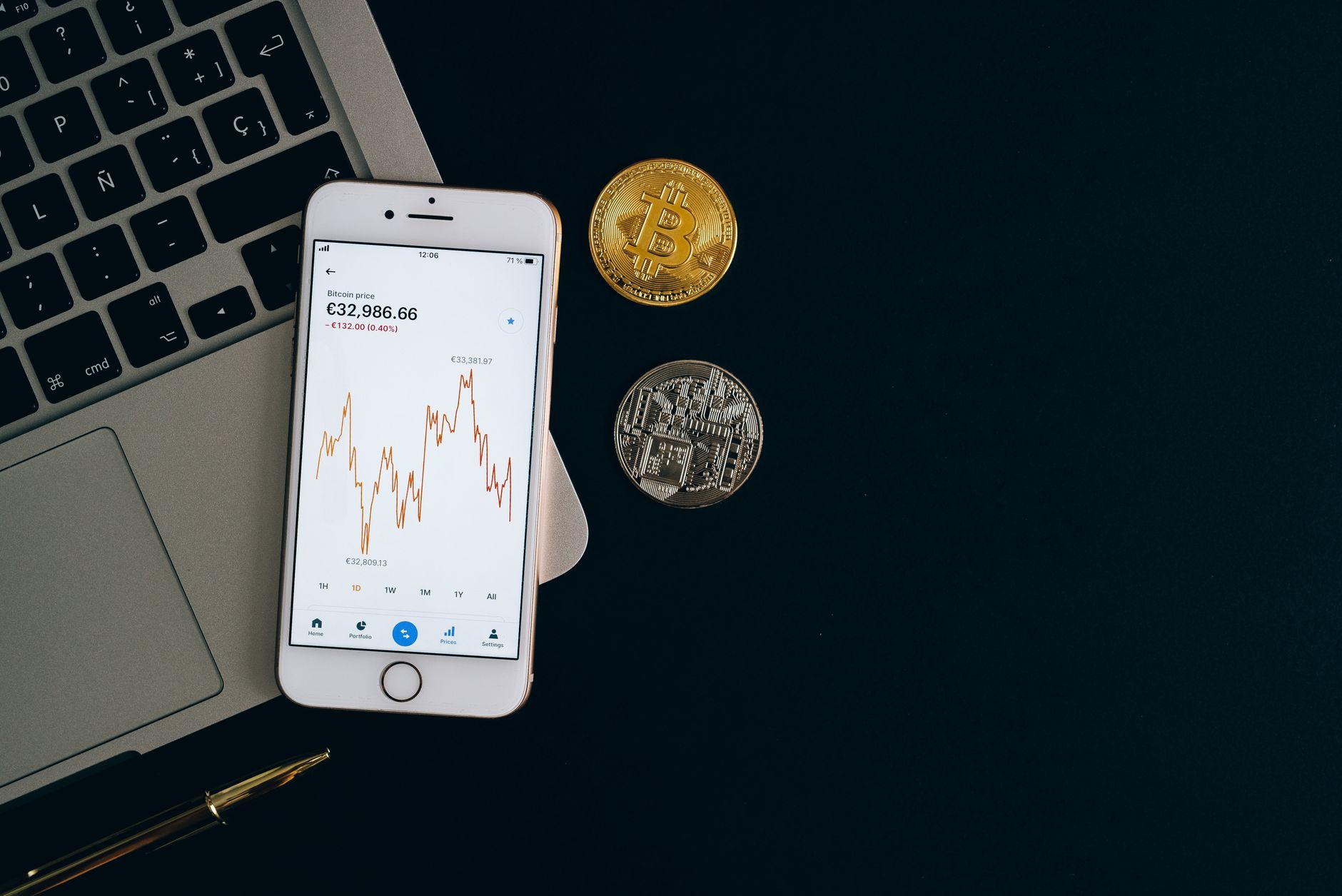
Current cryptocurrency market prices (as of July 31, 2026): Bitcoin trades at $63,247 (down 2.66% in 24 hours), Ethereum at $1,866 (down 3.21%), and BNB at $588. These price movements remind us that technical security is only half the battle—the other half is managing your own behavior and not panic-selling or panic-buying based on volatility. A secure wallet setup only matters if you have a long-term plan and the discipline to stick to it.
Related Resources and Next Steps
To deepen your understanding of custody models and wallet security, explore more crypto articles on Pro Trader Daily. For specific hardware wallet setup guides, see hardware wallet security setup. If you're comparing other exchanges to Binance, check out our exchange comparison guide. For information on tax implications of moving assets between platforms, read crypto tax reporting essentials.
For regulatory and compliance questions specific to your region, consult our fintech regulatory guide. And for a broader understanding of how non-custodial wallets work compared to custodial services, review the complete guide to self-custody.
Understanding the Custodial Divide
According to Binance Academy's official documentation on Trust Wallet, the wallet operates as a non-custodial service where "private keys are stored locally on your device and never transmitted to Binance servers." This architectural choice is fundamental to understanding why Trust Wallet cannot freeze accounts, be seized by governments, or lose funds to Binance insolvency. It also means Binance cannot help you recover a forgotten seed phrase or reverse a phishing attack. You are the sole custodian.
Binance, by contrast, holds private keys in cold storage vaults with multi-signature authorization. This means Binance can freeze accounts (if required by law), reverse some transactions (in case of fraud), and make customers whole if the exchange faces insolvency. But it also means Binance is a single point of failure for all its customers' assets.
For traders who need fast order execution and leverage, this trade-off is worth it. For long-term holders, it is not. The decision matrix above reflects this reality.
Explore More Crypto AnalysisDisclosure: Pro Trader Daily and xpertrax.com are operated by the same owner. Links and pop-ups pointing to xpertrax.com promote our own products. This article is for information only and is not financial advice.