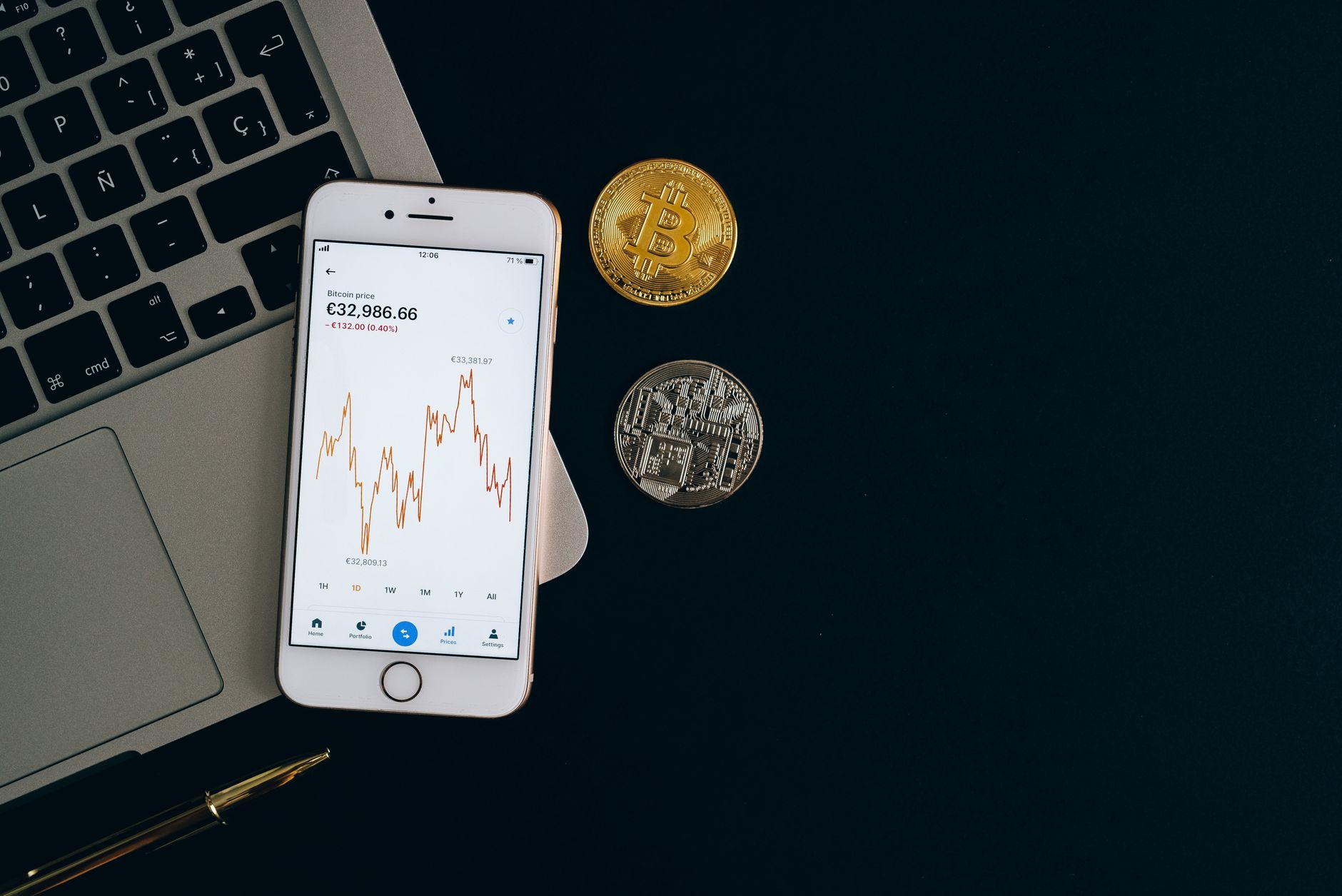
How to Choose the Best Crypto Wallet for Canadian Beginners in 2026
Choosing your first crypto wallet is one of the most important decisions you'll make as a Canadian investor. Unlike traditional bank accounts, there's no FDIC-equivalent insurance protecting your digital assets if you lose access or store them incorrectly. The difference between a secure setup and a vulnerable one often comes down to understanding the wallet type you're using and following best practices specific to Canada's regulatory environment.
This guide walks you through the 7 best wallets for Canadian beginners, explains how each works, and provides step-by-step setup instructions with screenshots. You'll also learn about Canadian tax implications, security ratings, and how to integrate your wallet with local exchanges like Kraken Canada and NDAX.
7 Best Crypto Wallets for Canadian Beginners
1. Coinbase Wallet
Best for: First-time users seeking maximum simplicity and mobile-first experience.
Coinbase Wallet is a non-custodial mobile wallet that lets you store, send, and receive Bitcoin, Ethereum, and 7,000+ other cryptocurrencies. The interface is deliberately minimalist—no jargon, large buttons, and clear confirmations at every step. You maintain full control of your private keys through a 12-word recovery phrase (called a "seed phrase").
Key features: Multi-chain support (Ethereum, Solana, Polygon), built-in staking for eligible coins, QR code scanning for quick transfers, hardware wallet integration (you can connect a Ledger or Trezor later), and seamless connection to DeFi applications.
Supported platforms: iOS, Android, Web.
Fees: Free to create and hold assets. Network fees apply only when you send transactions (these go to blockchain miners, not Coinbase).
Canadian exchange compatibility: Works with Kraken Canada, NDAX, and Newton (popular Canadian on-ramps).
2. MetaMask
Best for: Users interested in DeFi, NFTs, and Ethereum ecosystem applications.
MetaMask is the industry standard for accessing decentralized finance. It started as a browser extension and now runs on mobile as well. MetaMask connects you to Ethereum and compatible blockchains, letting you interact with smart contracts, swap tokens on decentralized exchanges (DEXs), and manage NFTs.
Key features: Multi-chain support (Ethereum, Polygon, Arbitrum, Optimism), built-in token swapping via 1inch aggregator, hardware wallet compatibility, customizable gas fee settings, and transparent transaction previews.
Supported platforms: Chrome, Firefox, Edge, Brave, iOS, Android.
Fees: Free wallet. Swap fees vary by DEX (typically 0.3%–1% depending on liquidity).
Canadian exchange compatibility: MetaMask doesn't directly connect to Canadian exchanges, but you can buy Ethereum on Kraken Canada or NDAX, then withdraw to your MetaMask wallet address.
3. Trust Wallet
Best for: Multi-chain users who hold Solana, BNB, or altcoins beyond Ethereum.
Trust Wallet supports 100+ blockchains and over 20,000 tokens. It's owned by Binance and integrates directly with the Binance ecosystem, making it ideal if you're buying coins on Binance.com (though Binance isn't available to Canadian users—you'd use Binance.ca or alternative exchanges).
Key features: Extremely broad blockchain support, built-in DEX aggregator, staking for 100+ coins, hardware wallet support, and WalletConnect for DApp access.
Supported platforms: iOS, Android, Web.
Fees: Free. Network fees charged by blockchains only.
Canadian exchange compatibility: Works with all major Canadian exchanges since it's blockchain-agnostic.
4. Kraken Wallet
Best for: Canadian users already trading on Kraken Canada.
Kraken released its self-hosted wallet in 2023, giving users the ability to withdraw from Kraken's exchange platform into their own non-custodial wallet. If you plan to keep most assets on Kraken for trading but want some holdings in personal custody, this creates a seamless workflow.
Key features: Direct integration with Kraken Canada account, support for Bitcoin, Ethereum, and 200+ cryptocurrencies, instant withdrawal to your own wallet from the exchange, and Kraken's customer support backing your account.
Supported platforms: iOS, Android.
Fees: Free wallet. Kraken charges withdrawal network fees (typically $0.50–$3 depending on coin and network congestion).
Canadian exchange compatibility: Native integration with Kraken Canada.
5. Ledger Nano X (Hardware Wallet)
Best for: Canadian investors holding $5,000+ in cryptocurrency who prioritize absolute security.
Ledger is a hardware wallet—a small USB device that stores your private keys offline, completely isolated from the internet. Every transaction must be physically approved on the device itself, making it virtually impossible for hackers to steal your keys remotely.
Key features: Air-gapped key storage, Bluetooth connectivity for mobile wallets, support for 5,500+ coins, compatibility with MetaMask and other DApps via Ledger Live software, and a 24-word recovery phrase for backup.
Supported platforms: Hardware device connects to any computer or smartphone via USB or Bluetooth. Ledger Live software (Windows, Mac, Linux, iOS, Android) manages the device.
Fees: Hardware cost (Ledger Nano X priced from CAD 150–180 in Canada). No ongoing fees. Network fees when sending transactions.
Canadian exchange compatibility: Universal—you can withdraw from any exchange to your Ledger's public address.
Security rating: The highest in this guide. No known successful hacks of properly-used Ledger devices.
6. Trezor Model T
Best for: Canadian users wanting open-source hardware wallet security.
Trezor is a competitor to Ledger with one key difference: its firmware is fully open-source, meaning any developer can audit the code. For users who prioritize transparency and community scrutiny over brand recognition, Trezor is the better choice.
Key features: Open-source firmware, support for 1,000+ coins, Trezor Suite software (desktop management), Shamir backup for redundancy (secret shared across multiple seed cards), and hardware refresh rate every 2–3 years.
Supported platforms: Hardware device connects via USB-C. Windows, Mac, Linux, web-based Trezor Suite.
Fees: Hardware cost (Trezor Model T priced from CAD 240–280 in Canada). No ongoing fees.
Canadian exchange compatibility: Universal—works with all exchanges.
7. Blue Wallet
Best for: Canadian Bitcoin-only users seeking simplicity and no-frills storage.
Blue Wallet is a lightweight mobile app focused exclusively on Bitcoin. It has no token swapping, no DeFi integration, and no altcoin support—just Bitcoin sent, received, and stored securely. For beginners who only want Bitcoin, this eliminates confusion.
Key features: Bitcoin-only focus, HD wallet support (creates unlimited Bitcoin addresses from one seed), Lightning Network support for fast Bitcoin transfers, and open-source code.
Supported platforms: iOS, Android.
Fees: Free. Lightning Network fees are typically sub-cent amounts.
Canadian exchange compatibility: Universal for Bitcoin—works with all Canadian exchanges that support Bitcoin withdrawal.
How to Choose the Right Wallet for Your Needs
| Wallet | Beginner-Friendly (1–5) | Security Rating (1–5) | Supported Coins | Platform | Setup Time |
|---|---|---|---|---|---|
| Coinbase Wallet | 5 | 4 | 7,000+ | Mobile/Web | 5 minutes |
| MetaMask | 4 | 4 | Ethereum + 100+ | Browser/Mobile | 3 minutes |
| Trust Wallet | 4 | 4 | 20,000+ | Mobile/Web | 5 minutes |
| Kraken Wallet | 4 | 4 | 200+ | Mobile | 2 minutes |
| Ledger Nano X | 3 | 5 | 5,500+ | Hardware | 15 minutes |
| Trezor Model T | 3 | 5 | 1,000+ | Hardware | 15 minutes |
| Blue Wallet | 5 | 4 | Bitcoin only | Mobile | 2 minutes |
Canadian Tax Reporting & CRA Compliance
The Canada Revenue Agency (CRA) treats cryptocurrency as a capital asset, similar to stocks or real estate. Every time you sell, trade, or convert crypto to Canadian dollars, you trigger a taxable event. Your wallet records are crucial for tax reporting.
Key CRA requirements for wallet holders:
- Capital gains reporting: When you convert Bitcoin to CAD on an exchange, the difference between purchase price and sale price is a capital gain. You report 50% of the gain on your tax return.
- Mining and staking income: If you earn cryptocurrency through staking (earning interest on coins you hold), the full amount is taxable income at fair market value on receipt date.
- Transaction records: Keep detailed records of every transaction, including date, amount, price in CAD at that moment, and counterparty (especially if trading peer-to-peer).
- Wallet to wallet transfers: Moving crypto from one of your wallets to another is NOT a taxable event.
- Lost or stolen crypto: Generally not tax-deductible in Canada, though you should report the incident to Canadian authorities.
Recommended practice: Use a crypto tax calculator like Koinly or Wealthsimple Tax (free, filed directly with CRA) to import your wallet and exchange transactions. These tools automatically calculate capital gains and generate CRA-compliant reports. Many Canadian accountants now specialize in crypto taxes—hiring one costs CAD 300–1,000 but saves time and audit risk if your portfolio exceeds CAD 100,000.
Step-by-Step Setup Tutorial: Coinbase Wallet
Here's how to create your first wallet using Coinbase Wallet, the most beginner-friendly option:
Step 1: Download and Create Account
Go to your device's app store (Apple App Store or Google Play Store). Search for "Coinbase Wallet" (the official app by Coinbase, Inc.). Download and open it. Tap "Create New Wallet." You'll be asked to set a PIN code—choose something you'll remember but no one can guess.
Step 2: Secure Your Recovery Phrase
After creating your PIN, Coinbase Wallet generates a 12-word recovery phrase. This is critical: Write these 12 words on a piece of paper in exact order. Store the paper in a safe place (fireproof safe, safety deposit box, or even a safe at home). Do NOT screenshot it or store it digitally—if your phone is hacked, your digital copy could be compromised.
Coinbase will ask you to re-enter 2–3 of these words to confirm you've written them down. This is not optional.
Step 3: Review Your Public Address
Once you've secured your recovery phrase, tap "Receive" in the app. You'll see your public wallet address (a long string of letters and numbers starting with "0x" for Ethereum or "1" for Bitcoin, depending on the coin). This address is safe to share publicly—anyone can send you crypto here. You can also tap the QR code to display it visually.
Step 4: Buy Your First Crypto (Optional)
Tap "Buy" in the app. Coinbase Wallet lets you purchase crypto directly using a Canadian credit/debit card. You'll link your payment method, set your purchase amount, and complete the transaction. Coinbase charges approximately 1.5%–2% above the market price as a convenience fee. For your first purchase, this simplicity is worth the extra cost; as you grow more experienced, you can use cheaper alternatives like Kraken Canada.
Step 5: Transfer from an Exchange (If You Already Own Crypto)
If you've already bought crypto on Kraken Canada, NDAX, or another exchange and want to move it to your Coinbase Wallet for safekeeping, do this:
- In Coinbase Wallet, tap "Receive" and select the coin you want (e.g., Bitcoin).
- Copy your public address (tap the copy button next to the address).
- Log into your exchange account (e.g., Kraken.com).
- Go to "Withdraw" or "Send".
- Paste your Coinbase Wallet address as the destination.
- Enter the amount you want to withdraw (e.g., 0.01 BTC).
- Review the withdrawal fee (shown on screen, usually CAD 0.50–$5 depending on coin and network).
- Confirm the withdrawal. Your exchange will send you a verification email—click the link to approve.
- Within 10 minutes to 2 hours, your crypto will arrive in your Coinbase Wallet. You can check the status by viewing the transaction on a blockchain explorer (e.g., Etherscan.io for Ethereum).
Security Ratings: Hot vs. Cold Storage
All wallets fall into two categories: hot wallets (connected to the internet) and cold wallets (offline).
Hot Wallets (Mobile/Web): Coinbase Wallet, MetaMask, Trust Wallet, Kraken Wallet, Blue Wallet. These are convenient—you can send crypto instantly from your phone. However, if your phone is hacked or malware compromises your device, private keys could be stolen. Mitigation: Use strong passwords, enable two-factor authentication on any linked exchange accounts, and keep sensitive amounts (over CAD 5,000) in a cold wallet.
Cold Wallets (Hardware): Ledger Nano X, Trezor Model T. Private keys never leave the device; transactions are approved physically on the device itself. A hacker cannot steal keys through malware. Downside: you need to carry the device or remember recovery phrases if you lose it. These are ideal for long-term holding (HODL strategy).
Security rating by wallet type:
- Ledger Nano X: 5/5—Closed-source firmware, proven track record, most widely trusted.
- Trezor Model T: 5/5—Open-source, auditable, equally secure as Ledger.
- Coinbase Wallet: 4/5—Good security; relies on user discipline (recovery phrase safety).
- MetaMask: 4/5—Code is open-source but often targeted by phishing.
- Trust Wallet: 4/5—Secure but Binance ownership raises regulatory questions in some jurisdictions.
- Kraken Wallet: 4/5—Backed by Kraken's reputation; good security practices.
- Blue Wallet: 4/5—Bitcoin-only simplicity reduces attack surface.
Frequently Asked Questions
What is a crypto wallet and how does it work?
A crypto wallet is software (or hardware) that stores private keys—cryptographic secrets that prove you own your cryptocurrency. When you want to send crypto, the wallet uses your private key to sign the transaction, proving to the blockchain that you authorize the transfer. You never share your private key with anyone. Your public address (derived from the private key) is what other people use to send you crypto.
How do I recover a lost or forgotten wallet?
If you lose access to your wallet device or forget your password, your recovery phrase (the 12–24 word seed) can restore your wallet on any device. This is why storing that phrase securely is so important. You can restore it in a new Coinbase Wallet, MetaMask, or Ledger by selecting "Import Wallet" and entering the words. The blockchain automatically recognizes your wallet address and shows your balance.
Is it safe to hold crypto in a wallet I create myself?
Yes, if you follow best practices: (1) Generate the wallet on a secure device (not a public computer), (2) Secure your recovery phrase physically (write it down, store it safely), (3) Never share your private key with anyone, and (4) Enable any available security features (PINs, hardware wallet approval). Self-custody is actually safer than leaving crypto on an exchange—you control the keys, not the exchange.
Can I use one wallet for multiple cryptocurrencies?
Yes. Most wallets support multiple coins and blockchains. Coinbase Wallet holds 7,000+ coins, MetaMask holds Ethereum and tokens on compatible blockchains (Polygon, Arbitrum, etc.), and Trust Wallet supports 100+ different blockchains. Blue Wallet is the exception—it only holds Bitcoin.
Why do hardware wallets cost money if software wallets are free?
Hardware wallets provide air-gapped security that software wallets cannot match. Ledger Nano X (CAD 150–180) and Trezor Model T (CAD 240–280) are one-time purchases that protect your assets indefinitely. For portfolios over CAD 5,000–10,000, the device cost is insurance against theft worth paying. For smaller amounts, free software wallets are adequate if used carefully.
How do Canadian exchanges connect to my personal wallet?
When you want to move crypto from an exchange like Kraken Canada to your personal wallet, you simply enter your wallet's public address as the withdrawal destination. The exchange sends the crypto to your wallet address on the blockchain. This is permanent and irreversible, so always double-check the address before confirming. There's no personal connection between the exchange and your wallet—it's entirely blockchain-based.
What if I send crypto to the wrong wallet address by mistake?
Blockchain transactions are irreversible. If you send Bitcoin to an incorrect address, it's gone permanently. Always verify the receiving address before sending, especially the first transaction. Start with a small test amount (e.g., CAD 10 worth) to confirm the address is correct, then send larger amounts.
Do I need to report my wallet to the CRA?
No, you don't register the wallet itself. However, you must report all transactions and holdings on your tax return if you have capital gains or income from crypto. The CRA doesn't require wallet disclosure, only transaction reporting. Keep records of when and how much you bought, sold, or traded.
"For Canadian cryptocurrency investors, the difference between a secure and compromised portfolio often comes down to recovery phrase storage and exchange integration discipline. Understanding hot versus cold storage, combined with proper CRA reporting, transforms casual holders into informed participants in the digital asset ecosystem."
— Pro Trader Daily Editorial Team
Related Reading & Resources
For deeper understanding of the crypto ecosystem, explore these related topics:
- Complete crypto guides and market analysis
- Best crypto exchanges for Canadian users
- Ethereum vs. Bitcoin: Investment comparison
- Decentralized finance explained
- How to start investing with small amounts
- Complete fintech guide
External Authority: For wallet security best practices and architecture details, CoinDesk regularly publishes in-depth technical guides on self-custody and wallet security standards in the cryptocurrency industry.
Get Started with Coinbase Wallet