Published: 2026-10-24 | Verified: 2026-04-27
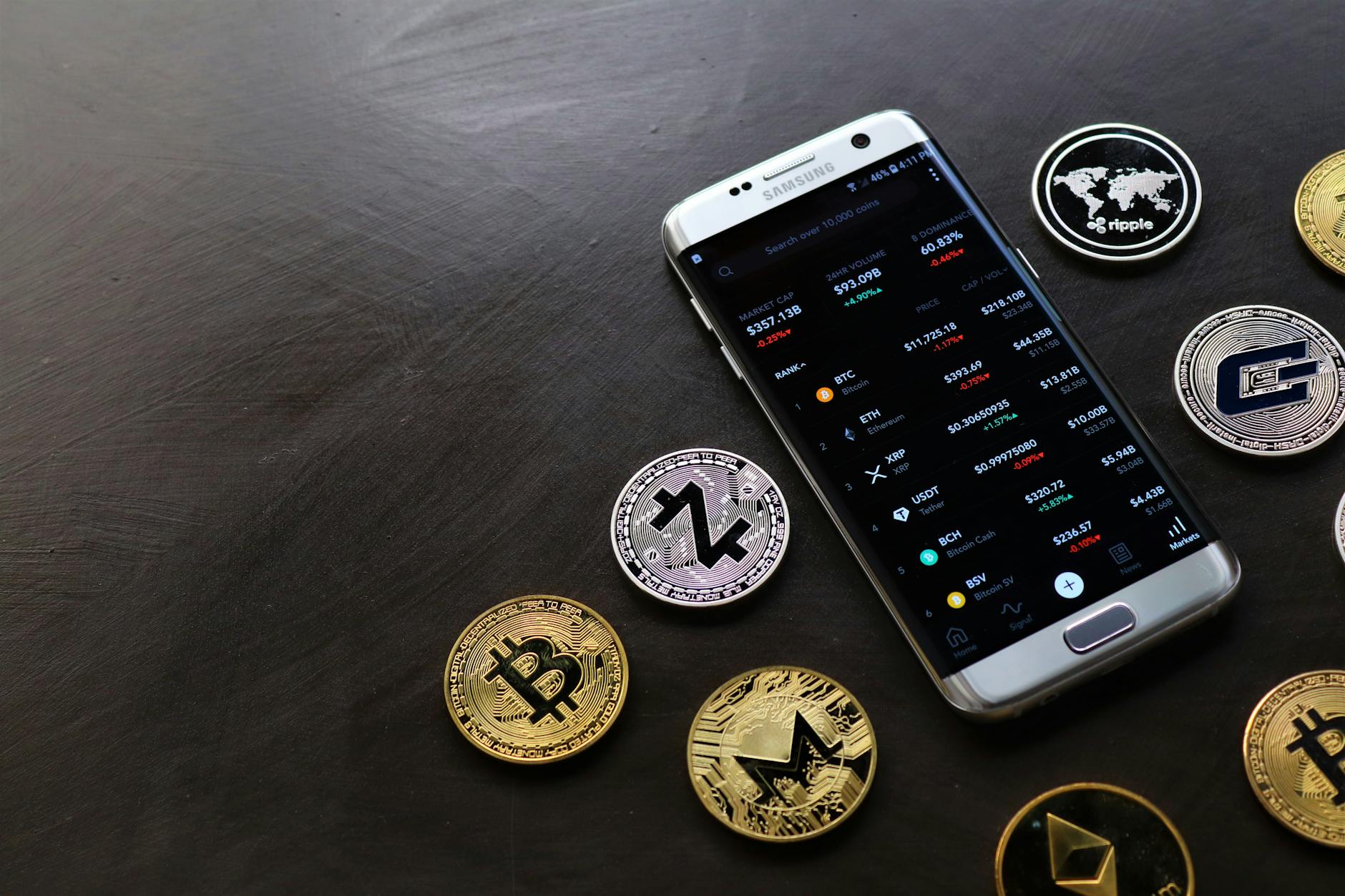
To check a crypto wallet using its address, paste the wallet address into a blockchain explorer like Etherscan (Ethereum), Blockstream (Bitcoin), or BscScan (Binance Smart Chain) to view balance, transactions, and activity history.
Key Finding: Blockchain explorers process over 2 million wallet queries daily, making them the most reliable method for checking crypto wallet addresses across all major networks.
Crypto Wallet Address Verification Overview
| Attribute | Details |
|---|---|
| Name | Crypto Wallet Address Verification |
| Category | Blockchain Analysis Tool |
| Key Features | Balance checking, transaction history, token holdings |
| Platform | Web-based blockchain explorers |
| Supported Networks | Bitcoin, Ethereum, BSC, Polygon, Solana |
| Cost | Free for basic queries |
What is a Crypto Wallet Address
A cryptocurrency wallet address represents a unique identifier on the blockchain where digital assets are stored and received. Think of it as a digital equivalent of a bank account number, but publicly visible on the blockchain ledger. According to CoinDesk, wallet addresses are derived from cryptographic public keys through mathematical algorithms, ensuring each address remains unique across the entire network. Wallet addresses vary in format depending on the blockchain: - Bitcoin addresses: Start with 1, 3, or bc1 - Ethereum addresses: Begin with 0x followed by 40 hexadecimal characters - Binance Smart Chain: Same format as Ethereum (0x...) - Solana addresses: Base58-encoded strings of 32-44 charactersTop 5 Blockchain Explorers for Wallet Verification
- Etherscan (Ethereum) - Most comprehensive Ethereum explorer - Shows ERC-20 tokens, NFTs, and DeFi positions - Advanced filtering and analytics tools - API access for developers
- Blockstream (Bitcoin) - Clean interface for Bitcoin transactions - Lightning Network integration - Real-time mempool visualization - Mobile-optimized design
- BscScan (Binance Smart Chain) - Binance Smart Chain specialist - Fast transaction lookups - BEP-20 token tracking - Validator information
- PolygonScan (Polygon) - Layer 2 scaling solution explorer - Low-cost transaction tracking - Cross-chain bridge monitoring - DeFi protocol integration
- Solscan (Solana) - High-speed Solana blockchain explorer - SPL token support - Staking information - Program interaction details
Complete Step-by-Step Wallet Checking Process
Step 1: Identify the Blockchain Network Before checking any wallet, determine which blockchain the address belongs to:- Copy the wallet address
- Check the address format (0x for Ethereum/BSC, 1/3/bc1 for Bitcoin)
- Note any specific network indicators
- Ethereum/ERC-20 tokens → Etherscan.io
- Bitcoin → Blockstream.info or Blockchain.info
- Binance Smart Chain → BscScan.com
- Polygon → PolygonScan.com
- Navigate to your chosen explorer
- Locate the search bar (usually at the top)
- Paste the complete wallet address
- Double-check for typos before searching
- Current balance in native cryptocurrency
- Token holdings (if applicable)
- Transaction history with timestamps
- Incoming and outgoing transfers
- Smart contract interactions
- Transaction hash (unique identifier)
- Block confirmation number
- Gas fees paid
- Transaction status (success/failed)
- Counterparty addresses
Security and Privacy Considerations
Privacy Protection Strategies Checking wallet addresses exposes certain information publicly. Consider these privacy aspects: - Transaction Clustering: Multiple addresses can be linked through transaction patterns - Balance Exposure: Anyone can see exact holdings in any wallet - Activity Tracking: Complete transaction history remains permanently visible Security Best Practices 1. Use Official Explorers Only - Stick to well-known, reputable blockchain explorers - Avoid third-party sites claiming enhanced features - Check URLs carefully to prevent phishing 2. Never Enter Private Keys - Blockchain explorers only need public addresses - Legitimate explorers never request private keys or seed phrases - Report any site asking for sensitive information 3. VPN Usage for Enhanced Privacy - Consider using a VPN when checking sensitive addresses - Rotate IP addresses for large-scale analysis - Use privacy-focused browsers when possible Red Flags to Watch For- Explorers requesting personal information
- Sites asking for wallet connections
- Suspicious transaction patterns or smart contract interactions
- Addresses involved in known scam projects
Multi-Chain Wallet Verification
Modern cryptocurrency users often maintain assets across multiple blockchain networks. Here's how to efficiently check wallets across different chains: Cross-Chain Address Relationships Some wallets use the same private key across compatible networks:- Ethereum and Binance Smart Chain share address formats
- Polygon and Avalanche use Ethereum-compatible addresses
- Bitcoin maintains separate address derivation
Troubleshooting Common Issues
Invalid Address Errors Common causes and solutions: - Typos in address: Double-check each character - Wrong network: Ensure you're using the correct explorer - Unsupported format: Some explorers don't support all address types Missing Transactions If expected transactions don't appear:- Check alternative explorers for the same network
- Verify the correct wallet address was used
- Consider network congestion delays
- Look for failed transactions in the history
- Refresh the explorer page
- Check for pending transactions
- Verify token contract addresses
- Consider airdrops or staking rewards
- Clear browser cache and cookies
- Try different browsers or incognito mode
- Check internet connection stability
- Use alternative explorers for the same network
"Blockchain explorers serve as the transparent window into cryptocurrency networks, enabling anyone to verify transactions and wallet balances without requiring special permissions or technical expertise. This transparency represents one of blockchain's core principles." — Pro Trader Daily Analysis Team